Trace.Space vs. IBM DOORS
IBM DOORS set the standard for requirements management in aerospace, defense, and automotive for over 30 years. It solved a real problem: large programs needed structured traceability, and DOORS delivered it at a time when nothing else could.
But the world DOORS was built for no longer exists. Products have gone from thousands to hundreds of thousands of specification items. Software now drives the hardware. Cross-functional teams need to collaborate in real time, not pass documents through a gated review cycle.
Trace.Space was built for this reality: AI-native, flexible, and designed for teams who need traceability at scale without the overhead.
Common Challenges with IBM DOORS
Rigid, document-centric architecture

Everything in DOORS is a module, organized like a document. This structure enforces a specific way of working that doesn’t adapt to how modern, multi-domain engineering teams actually operate.
DXL scripting dependency
DOORS has power, but accessing it means writing DXL scripts. Even simple customizations require specialized knowledge, creating bottleneck dependencies on a small number of trained administrators.
Built for waterfall, not for change
DOORS was designed for sequential development with stable, long-lived requirements. In a world where software-defined products drive constant iteration, its architecture fights the way teams need to work.
Specialist-only access
The learning curve is steep enough that most domain engineers (electrical, firmware, hardware) never use DOORS directly. Systems engineers end up exporting data to spreadsheets for others to review, breaking the trace network.
Limited API and integration options
Connecting DOORS to modern engineering tools (Git, CI/CD, PLM, simulation) requires significant custom work and workarounds.
Why Switch to Trace.Space from IBM Doors
Built for the AI-Driven Engineering Future
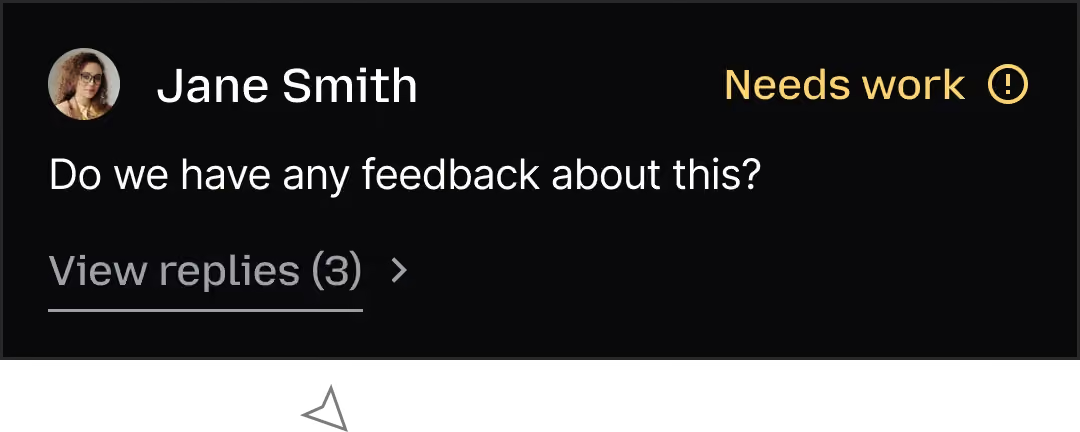
DOORS was built in 1991. It was never designed for an era where AI could detect broken traces, suggest missing coverage, or analyze the impact of a requirement change across an entire program. Trace.Space is. AI is embedded in the platform’s architecture, not added as a feature. It works in the background, surfacing issues before they become delays. And the way Trace.Space structures data means AI agents can read, reason about, and act on your engineering data today, not in some future release.
A Modern Interface
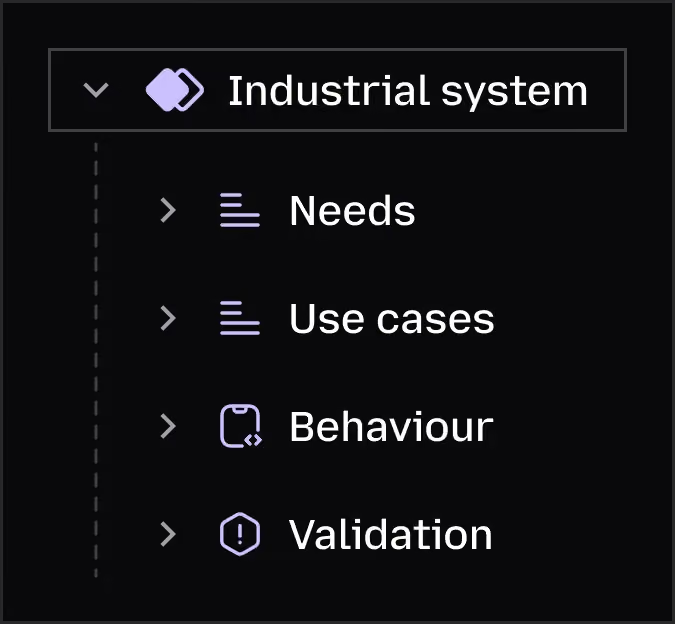
The most accurate traceability network is the one that gets the most contributions. When only a handful of DOORS specialists can operate the tool, critical information stays outside the system in spreadsheets, emails, and people’s heads. Trace.Space’s interface is designed for every engineer, not just the trained few. Faster onboarding means more people contributing data, which means fewer gaps in your trace network.
Flexibility Without Sacrificing Structure
DOORS enforces one way of organizing data. Trace.Space doesn’t. You define the structure that works for your program, and different teams can view the same data from different perspectives (by component, by system, by verification status) without breaking anything. And you can always restructure as your understanding of the system evolves. No DXL required.

Migrate from IBM DOORS to Trace.Space
DOORS migrations are among the most complex in the requirements management space, and we’ve designed for that.
Migration follows three phases: data extraction (via DOORS API, ReqIF export, or document export), data mapping (translating DOORS modules and link structures into your new Trace.Space workspace), and establishing the new structure (rebuilding and validating your trace network with AI assistance).
Our team provides white-glove migration support. We handle the extraction and mapping so your engineers can focus on validating the result, not wrestling with export scripts.


Frequently Asked Questions About Switching from IBM DOORS
What data formats does Trace.Space support for import?
Trace.Space supports ReqIF, DOCX, Excel (XLSX/CSV), and direct API-based import. If your data exists, we can bring it in.
How long does a typical migration take?
It depends on the size and complexity of your dataset, but most migrations follow a structured three-phase process (extraction, mapping, and restructuring) that our team runs alongside yours.
Can Trace.Space handle regulated and compliance-heavy environments?
Yes. Trace.Space is SOC 2 Type II certified, ISO 27001 compliant, and GDPR/CCPA ready. We support deployment in cloud, private VPC, on-prem, or fully air-gapped environments with no external calls, including for AI.
Will my team need extensive training to get started?
Trace.Space is designed to be usable on day one. The interface is intuitive enough that domain engineers and non-specialist contributors can start working without formal training. For power users, we provide onboarding support tailored to your workflow.
Do I lose my DXL customizations in the migration?
DXL scripts typically automate workflows, reports, or data transformations within DOORS. During migration, we map those workflows to Trace.Space’s native capabilities, API integrations, or built-in automation. The goal is to replicate the value your scripts provide without requiring proprietary scripting.

Ready to Move from IBM DOORS to Trace.Space?
You built incredible products with DOORS. Now build the next generation with a platform designed for how engineering works today.